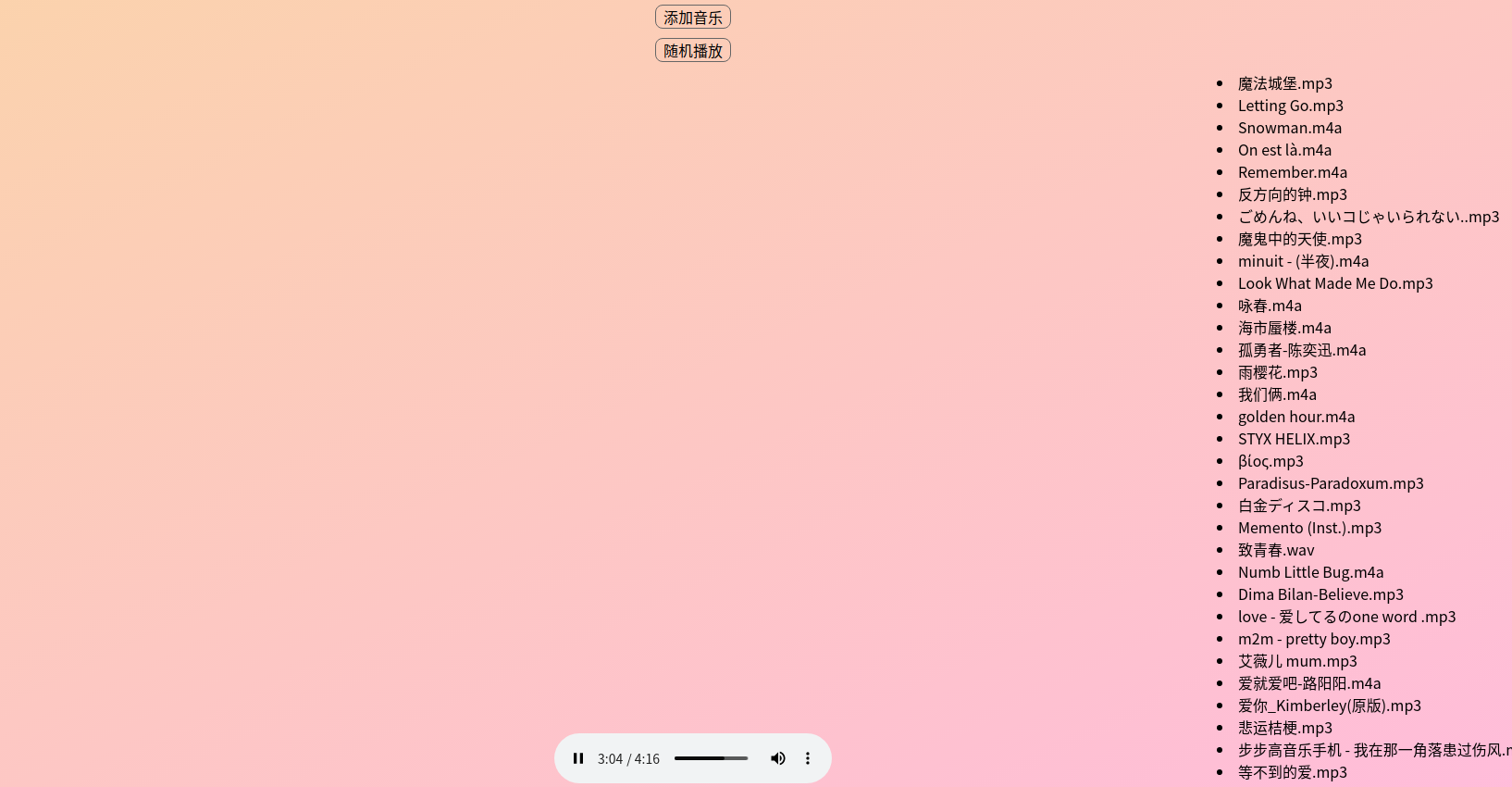
原生html+js网页版简易音乐播放器
2023-06-02
本文属于html+js+css基础教程,今天准备撸一个简陋版的音乐播放器。主流的浏览器原本就支持影音播放,功能非常强,这里是利用浏览器原本提供的音视标签audio。
主要用到了的知识点有:css绝对定位、css背景色渐变、禁止鼠标选中内容、鼠标箭头效果、hover悬停;js方法声明和调用、onload网页加载完成事件、js创建标签、标签onchange变化事件、input标签的file类型文件选择和读取、split字符串切割、JSON字符串和对象互转、数组push、事件绑定、decodeURI网址解码、onended音频播放完成事件、localStorage本地储存、parseInt整形转换、Math.random随机数、try catch错误捕获、三元运算、typeof类型获取。
直接上代码:
<!DOCTYPE html><html lang="en"><head> <meta charset="UTF-8"> <meta name="viewport" content="width=device-width, initial-scale=1.0"> <title>音乐播放器</title></head><body> <div class="music-main"> <div id="music-bar"> <audio id="music_box" controls autoplay src=""></audio> </div> <div class="func-btn" onclick="chooseMusic()">添加音乐</div> <div class="func-btn" id="play_mode" onclick="changePlay()">随机播放</div> <div class="music-pan"> <div id="music-list"></div> </div> </div></body><style> .music-main{ position: absolute; top: 0; left: 0; width: 100%; height: 100%; background-image: linear-gradient(to bottom right,#fbd4aa, #fbd); } #music-bar{ width: 100%; position: fixed; bottom: 0; text-align: center; padding-bottom: 8vh; } .func-btn{ width: 80px; text-align: center; border: 1px solid #666; border-radius: 8px; cursor: pointer; margin: 10px auto; } #music-list{ height: 90vh; } .music-pan{ width: 20%; position: fixed; right: 10px; z-index: 1000; overflow-y: auto; user-select: none; } li{ cursor: pointer; } li:hover{ color: green; }</style><script> //支持的后缀 var ext = ['mp3', 'wav', 'm4a', 'flac', 'ape']; //音乐列表 var music_list = []; //音乐播放列表标签 var mlist = document.getElementById('music-list'); //初始化 window.onload = function(){ if(localStorage.music_list){ try{ var list = JSON.parse(localStorage.music_list); music_list = list; mlist.innerHTML = ''; for(let m of list){ showMusicList(m); } }catch(e){ console.log(e); } } } //选择音乐 function chooseMusic() { var file_tag = document.createElement('input'); file_tag.type="file"; file_tag.multiple = 'multiple'; file_tag.style.display = 'none'; document.body.append(file_tag); file_tag.click(); //选择完音乐就把音乐添加到列表 file_tag.onchange = function(e){ // mlist.innerHTML = ''; for(let list of file_tag.files){ var name_len = list.name.split('.').length; if(ext.indexOf(list.name.split('.')[name_len-1])==-1 && ext.indexOf(list.name.split('.')[name_len-1].toLocaleUpperCase())==-1){ continue ; } music_list.push(list.name); showMusicList(list.name); } localStorage.music_list = JSON.stringify(music_list); } } //展示音乐列表 function showMusicList(name) { var myli = document.createElement('li'); myli.innerHTML = name; mlist.appendChild(myli); //点击音乐就播放 myli.onclick = function(e){ document.getElementById('music_box').src = e.target.innerText; document.title = e.target.innerText; } } //下一首要播放的歌 function playNext(music_name) { var next_one; for(let idx in music_list){ if(music_list[idx]==music_name){ next_one = music_list[idx-0+1]? music_list[idx-0+1] : music_list[0]; break; } } console.log('下一首是:'+next_one); if(next_one){ document.getElementById('music_box').src = next_one; document.title = next_one; } } //随机播放一首 function randowPlay(){ var random_idx = parseInt(Math.random()*100); if(typeof music_list[random_idx] != 'undefined'){ playNext(music_list[random_idx]); return music_list[random_idx]; } var max_len = music_list.length; var result = parseInt(random_idx%max_len); playNext(music_list[result]); } //更改播放模式 function changePlay() { var modeBtn = document.getElementById('play_mode'); localStorage.play_mode = localStorage.play_mode? localStorage.play_mode : 0; localStorage.play_mode = localStorage.play_mode==0? 1 : 0; if(localStorage.play_mode==1){ modeBtn.innerHTML = '顺序播放'; // playNext(''); }else{ modeBtn.innerHTML = '随机播放'; // randowPlay(); } } //播放结束事件 document.getElementById('music_box').onended = function(e){ //随机播放 if(1==localStorage.play_mode){ randowPlay(); return false; } var len = e.target.src.split('/').length; playNext(decodeURI(e.target.src.split('/')[len-1])); }</script></html>